How to delete a file from your own bucket

You already own the file. You want it gone.
file.rocks is the UI. The object leaves the bucket you connected.
This is a delete. It is not a rename, a download, or a new folder. If you only want a different name, that is how to rename a file in your own bucket. If you want a copy on this laptop first, that is how to download a file from your own bucket.
1. No bucket yet
You need S3-compatible object storage. Not another Drive clone.
If you do not have a bucket hooked up, follow how to connect a Backblaze B2 bucket and come back. For the price table, see the cheapest cloud object storage comparison.
2. Open Files and delete
Sign in at file.rocks. Open Files.
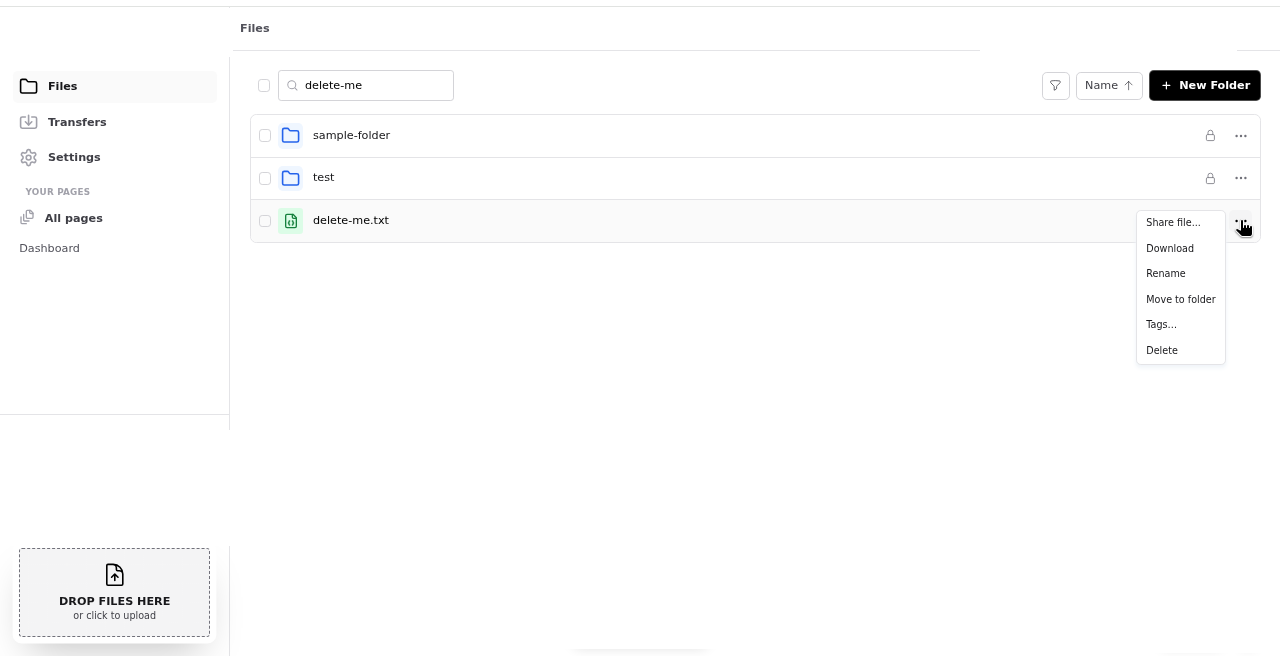
Open the file row menu. Choose Delete.
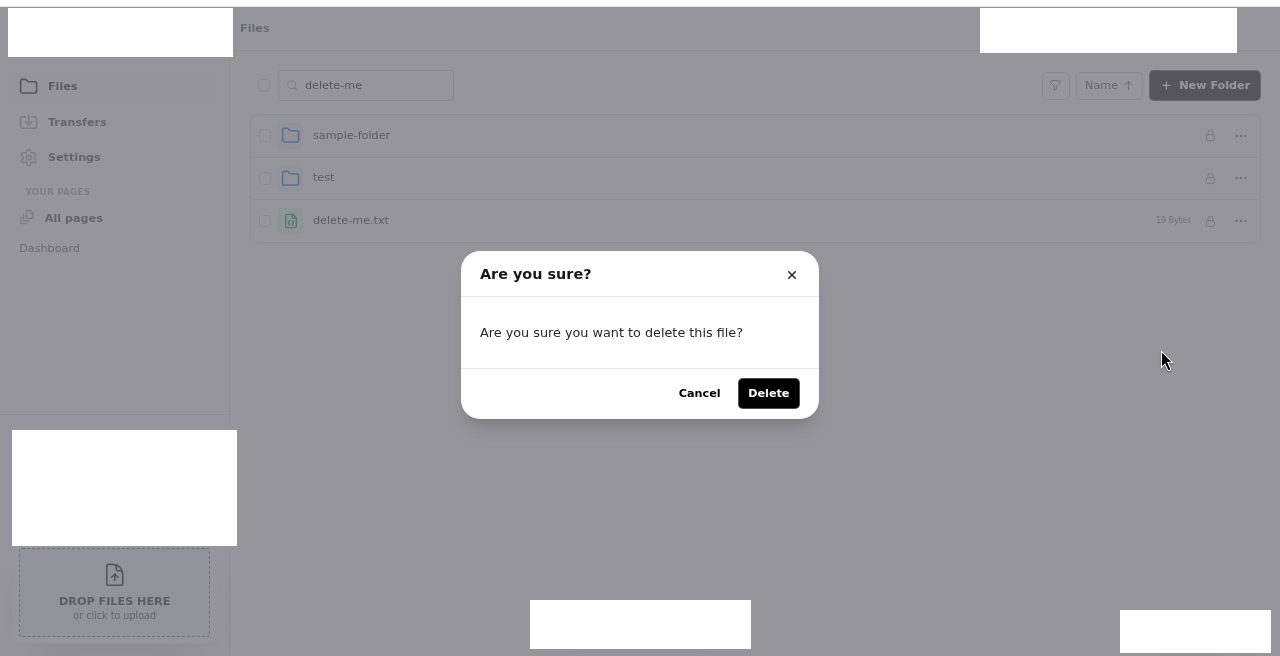
The modal title is Are you sure? The body is Are you sure you want to delete this file? Click Delete (or cancel).
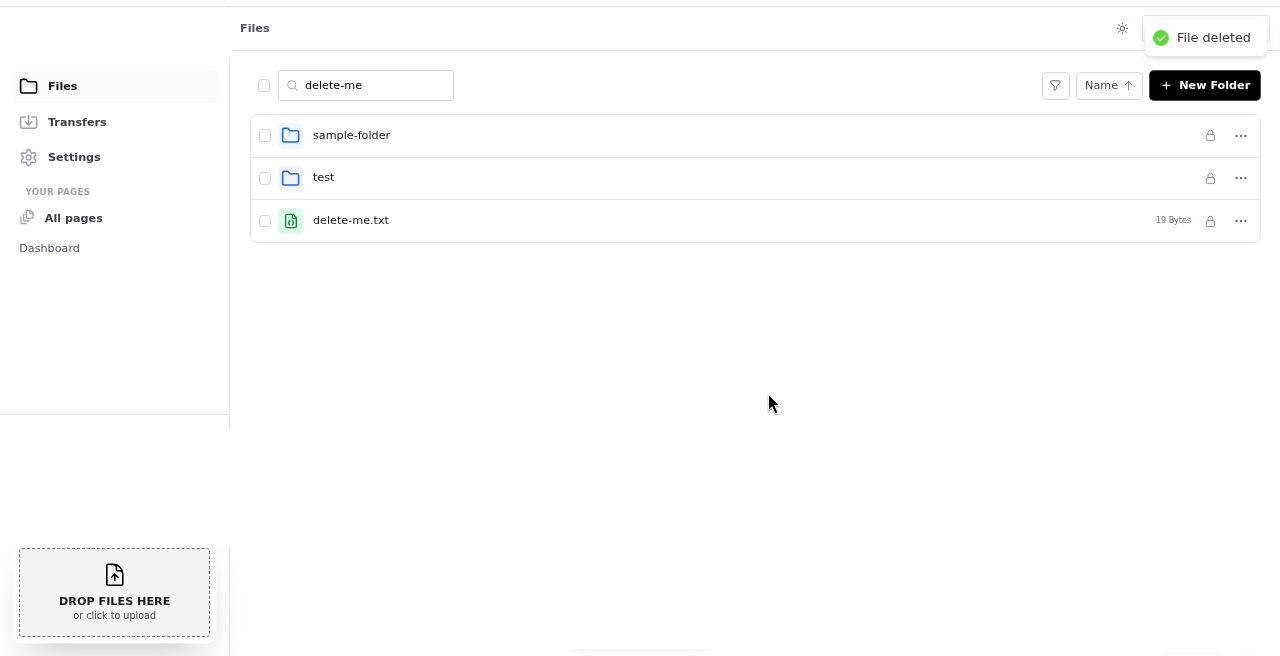
The toast is Deleting file... then File deleted. The object is gone from the connected bucket. You are not deleting a file.rocks-only copy.
3. There is no trash
A failed delete toasts Failed to delete file. The object stays until a delete succeeds.
There is no trash. There is no undo. Folder delete is a different post.
The objects live in your bucket. Your provider sets the object limits.
4. Then stop
Keep the bucket paid. That file is not coming back from file.rocks.
Need a different name instead? That is how to rename a file in your own bucket.
Need a copy on this laptop first? That is how to download a file from your own bucket.
Need to put a file in? That is how to upload files to your own bucket.
Need a link you can send? That is how to share a file from your own bucket.
Need a folder to clean up later? That is how to create a folder in your own bucket.