

How to view a shared file from a public link

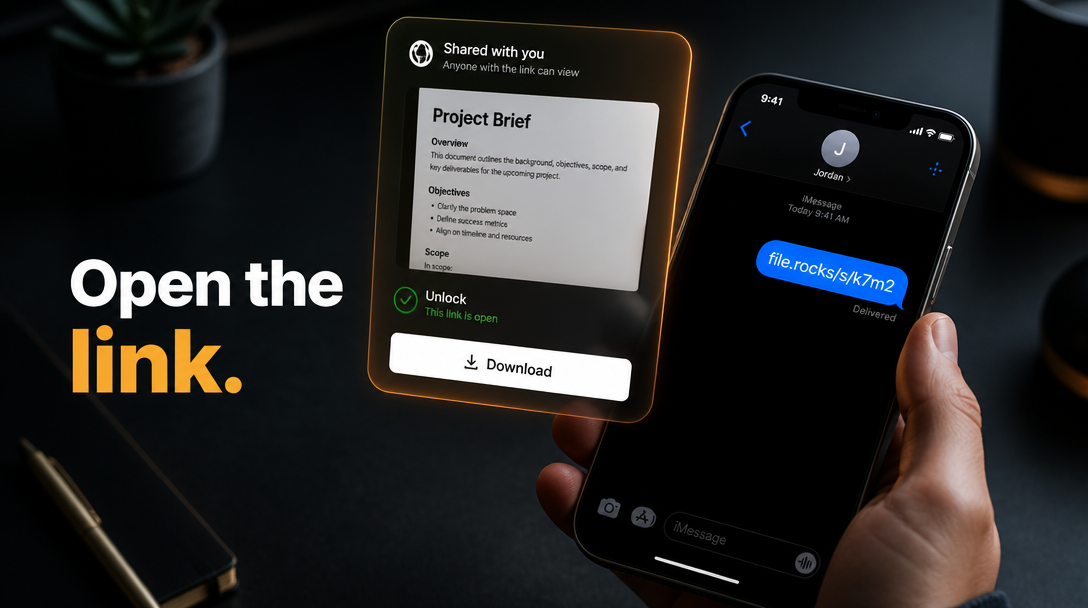
Someone sent you a file.rocks link. You want to see it, unlock it if needed, then download.
file.rocks is the UI. This page is for recipients. You do not need a bucket of your own.
This is not how to share a file from your own bucket or how to copy a file link from your own bucket. Those are owner-side. It is not how to preview a file in your own bucket (Files player on objects you own).
1. Open the public link
Open the link you were sent. It looks like https://www.file.rocks/s/....
The share viewer loads. No sign-in required for a public link.
If the page says the link is expired or unavailable, stop there. There is no recovery path on this screen. Ask the sender for a new link.
2. Preview when the type supports it
Many types open in the page player or viewer: images, audio, video, PDF, and common docs when the share supports them.
Use the on-page controls. You are reading the shared object. You are not browsing the sender's full bucket.
3. Unlock if passworded
If the share is locked, the page shows Password required.
Enter Password. Click Unlock.
Wrong password stays locked. There is no reset for you as the visitor. Ask the sender if you do not have the password.
Password on the link is an owner setting. That path is how to password-protect a public link from your own bucket.
4. Download
When you need a local copy, click Download.
The file saves through your browser. Preview stays on the page if you want to look again.
5. What this is not
This is not creating or copying a share. Owners use how to share a file from your own bucket and how to copy a file link from your own bucket.
This is not expiry or revoke. Those are how to set expiry on a public link from your own bucket and how to turn off a public link from your own bucket.
This is not the Files preview for objects you own. That is how to preview a file in your own bucket.
6. Then stop
Need to send a link instead of open one? Start at how to share a file from your own bucket.
Need a password on a link you already own? That is how to password-protect a public link from your own bucket.