

How to preview a file in your own bucket

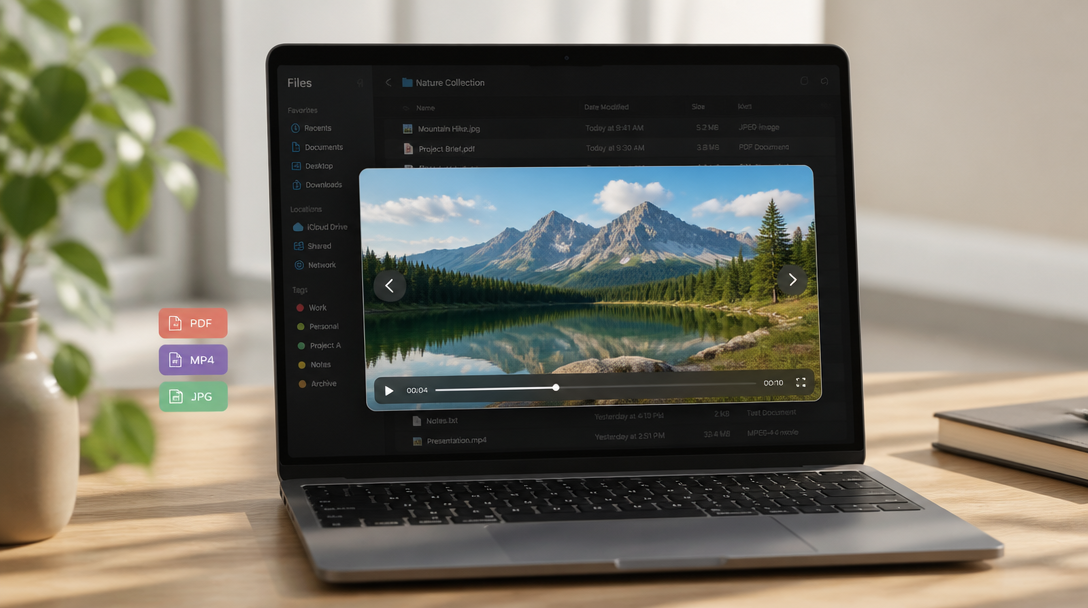
You already own the object. You want to look at it without downloading first.
file.rocks is the UI. The preview opens in the built-in media player. The object stays in the bucket you connected.
This is preview from Files. It is not how to download a file from your own bucket (row menu Download). It is not how to share a file from your own bucket or how to copy a file link from your own bucket. Those stay linked.
1. No bucket yet
You need S3-compatible object storage. Not another Drive clone.
If you do not have a bucket hooked up, follow how to connect a Backblaze B2 bucket and come back. For the price table, see the cheapest cloud object storage comparison.
2. Open Files and click a previewable row
Sign in at file.rocks. Open Files. Pick a bucket you own.
Click a previewable file row. For audio or video you can also use play/pause on the row.
The built-in media player opens. Same player used elsewhere in the product.
3. Next and Previous
When the folder has more previewable items, move with ↓ / ↑ (Next / Previous).
You stay in the player. You are not jumping to Download or Share.
4. What opens (and what does not)
Previewable types from the product today: image, audio, video, PDF, EPUB, code, JSON, xls/xlsx, docx, zip.
Non-previewable types do not open a player on click. Use Download if you need a local copy, or Share if you need a link for someone else.
5. What this is not
This is not Download. Row menu Download toasts Preparing download… then Download started. That path is how to download a file from your own bucket.
This is not a public share or a copy-link. Those are how to share a file from your own bucket and how to copy a file link from your own bucket.
6. Then stop
Need the file on this laptop? That is how to download a file from your own bucket.
Need someone else to open it? That is how to share a file from your own bucket.
Need the URL on the clipboard? That is how to copy a file link from your own bucket.