

How to optimize photos in your own bucket

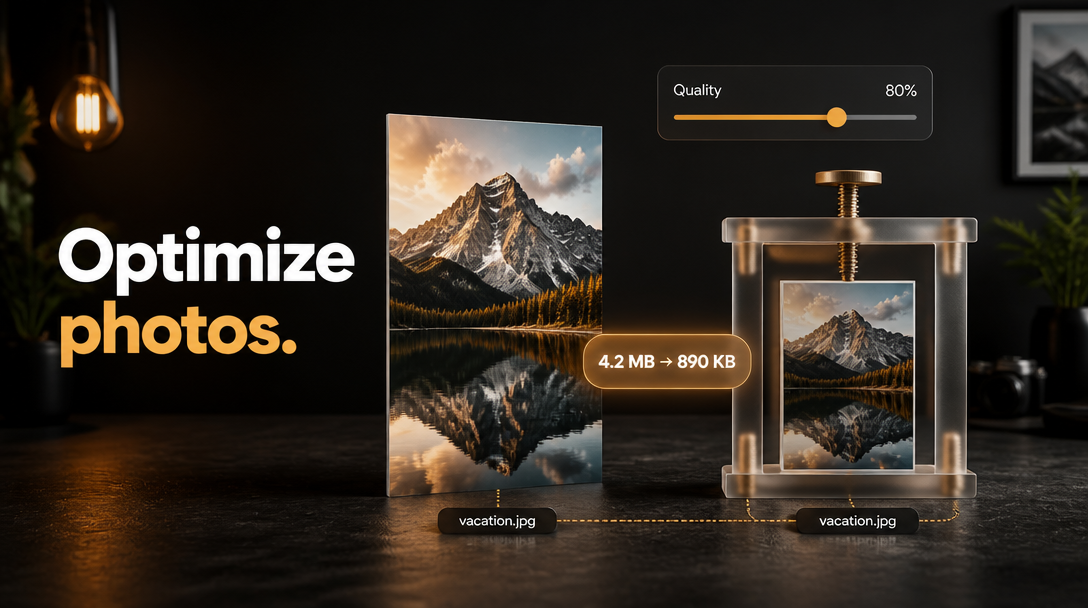
You already own the photos. They are larger than they need to be.
file.rocks is the UI. Optimize photos compresses and resizes in the browser, then re-uploads to the same key. That overwrites the original object.
This is not how to clean up near-duplicate photos in your own bucket or how to clean up likely duplicates in your own bucket. Those remove copies. This shrinks the file you keep.
1. No bucket yet
You need S3-compatible object storage. Not another Drive clone.
If you do not have a bucket hooked up, follow how to connect a Backblaze B2 bucket and come back. For the price table, see the cheapest cloud object storage comparison.
2. Open Optimize photos
Sign in at file.rocks. Open Settings → Cleanup. Pick the bucket if needed.
Open Optimize photos.
Set the run:
- Output format: JPEG / WebP / PNG / Match original type
- Max dimensions: 1920 / 2560 / 3840 / Keep original
- Compression quality: 60 to 92%
- Only consider files: size floor so tiny files stay out
Click Continue to select photos.
3. Select, then overwrite
Pick candidates (Select all / Select none / Reload).
Open Review overwrite. Ack that this overwrites the original. Type OVERWRITE. Click Overwrite originals.
Toast shape: Optimized N photos · saved ~X.
This saves over the original under the same file name, and this tool has no undo or Restore button.
4. What this is not
This is not visual near-duplicates. Burst shots stay in how to clean up near-duplicate photos in your own bucket.
This is not exact-hash duplicates. That is how to clean up likely duplicates in your own bucket.
This is not row Delete in Files. That is how to delete a file from your own bucket.
This is not the Files preview player. That is how to preview a file in your own bucket.
5. Then stop
Need near-copies gone instead of smaller originals? That is how to clean up near-duplicate photos in your own bucket.
Need exact hash twins gone? That is how to clean up likely duplicates in your own bucket.